
The Acctivate customer portal provides an easy way to manage your support tickets all in one place. The customer portal allows you to view any open support tickets, review your closed or completed tickets, as well as create new tickets, see your assigned reps latest responses and reply with your answers or additional information. Once you've registered, you'll see all tickets associated with your email.
You can access our customer portal at https://support.caisoft.com/s/login/
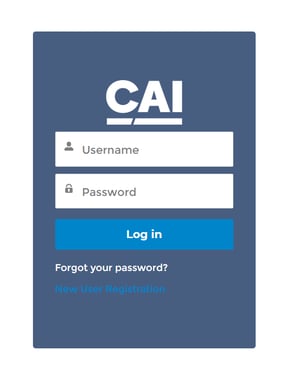
How to register for customer portal access:
On the Customer Portal login page, click the New User Registration link and follow the instructions.How do I use the customer portal?
FAQs:
- I forgot my portal password! Can Acctivate support help?
- On the Customer Portal login page, click the Forgot your password? link and follow the instructions.
- Can I still submit tickets by emailing support@acctivate.com, through the bot, from the main ticket form on Acctivate.com/support, or by phone?
- Yes! We still offer all of our other methods of creating tickets. The portal is to help streamline the process as well as give you a way to view all of all your tickets.
- Do I have to use the portal?
- Yes, the portal will be required to view or update support cases. New support cases may also be created through the portal, or by emailing acctivate.support@caisoft.com; however, this email inbox is not monitored for ongoing support case communications. To avoid delays in response times, we recommend fully utilizing the support portal for case creation, tracking, and management. To access the portal, please visit https://support.caisoft.com.
- Will I get reply notifications?
- Yep! When a rep replies to your ticket, you'll get an email notification. You can head to the portal to reply, or email directly from there.
- I submitted a ticket and need to add more details, what do I do?
- Once a ticket has been submitted, you are able to reply to the ticket and add additional details and upload additional files. You do not need to wait till a rep responds.
- I have another question/concern!
- Please contact Acctivate Support.